SSO using dataopsly
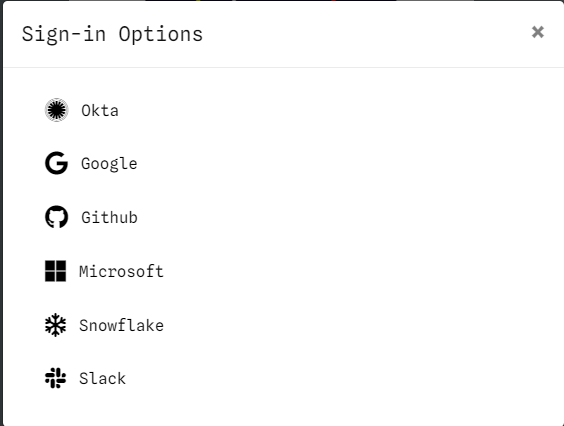
For Single Sign On and OAuth for login to dataopsly we provide various providers
- Okta
- Github
- Microsoft
- Snowflake
- Slack
Providing SSO Credentials for Okta Authentication
When setting up SSO authentication with Okta, you need to provide the following credentials during the run script execution:
client_id– The unique identifier for your Okta application.client_secret– A secret key used for secure authentication.domain– Your Okta organization’s domain (e.g., your-company.okta.com).callback_url– The URL where the authentication provider (Okta, here) redirects the user after a successful login or authorization
Providing SSO Credentials for Google Authentication
When setting up SSO authentication with Google, you need to provide the following credentials during the run script execution:
client_id– The unique identifier for your Google application.client_secret– A secret key used for secure authentication.
Providing SSO Credentials for Github Authentication
When setting up SSO authentication with Github, you need to provide the following credentials during the run script execution:
client_id– The unique identifier for your Github application.client_secret– A secret key used for secure authentication.
Providing SSO Credentials for Microsoft Authentication
When setting up SSO authentication with Microsoft, you need to provide the following credentials during the run script execution:
client_id– The unique identifier for your Microsoft application.client_secret– A secret key used for secure authentication.
Providing SSO Credentials for Snowflake Authentication
When setting up SSO authentication with Snowflake, you need to provide the following credentials during the run script execution:
client_id– The unique identifier for your Snowflake application.client_secret– A secret key used for secure authentication.
For more details refer here.
Providing SSO Credentials for Slack Authentication
When setting up SSO authentication with Slack, you need to provide the following credentials during the run script execution:
client_id– The unique identifier for your Slack application.client_secret– A secret key used for secure authentication.
Note
If you wish to add some more adapter, then please contact