Docs Serve
-
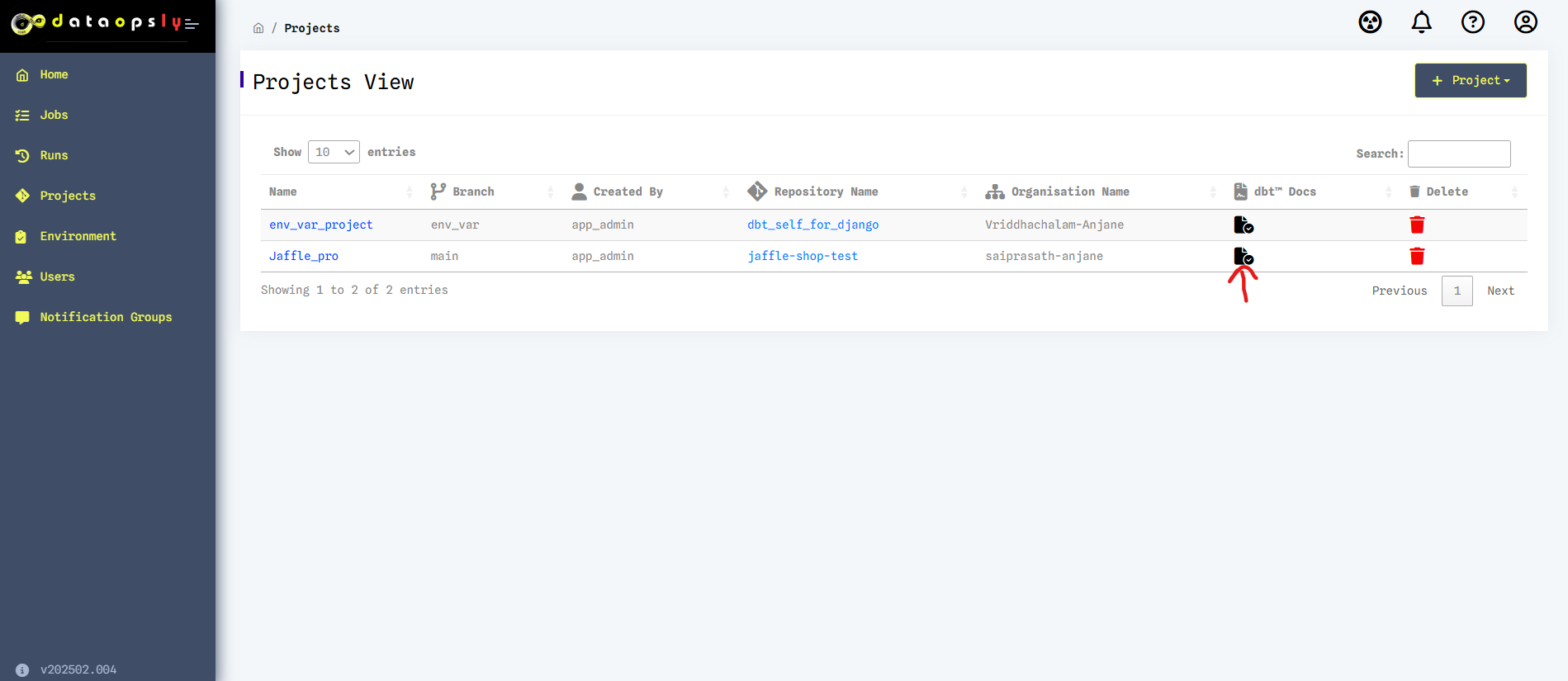
dbt™ docs can be generated using docs button in Projects page.
-
The URL will have the specified git URL given by you.
-
Navigate to Left side screen, click on Projects link and then click on Docs Serve in Projects View page.
-
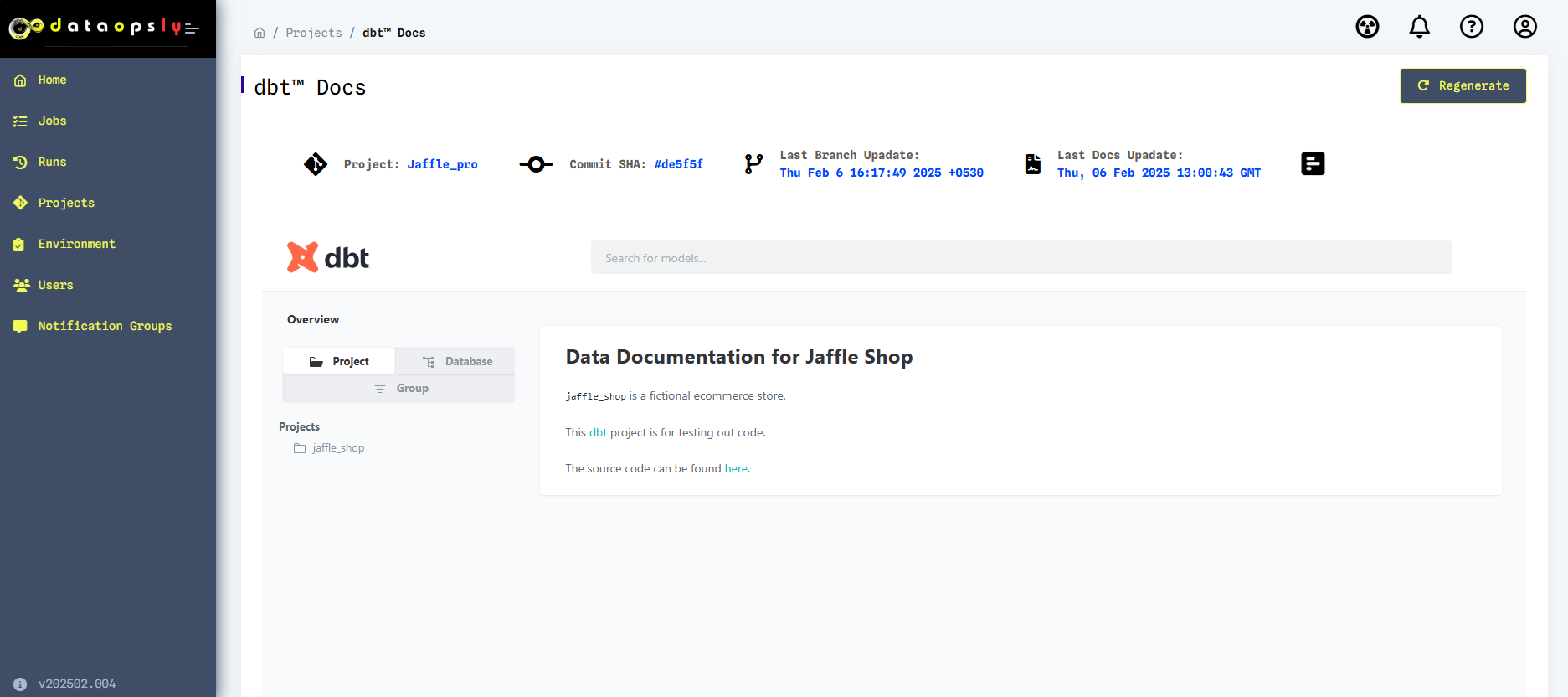
All the dbt™ generated models can be viewed.
Info
Regeneration of docs can be done after making any changes in the dbt™ project files.